Carrier Blocked Your Hotspot? What It Means and What to Do (2026)
Short answer: a blocked hotspot usually means your plan does not include hotspot, the hotspot data is used up, or your carrier only allows it on a higher plan. You can check which one it is in your carrier app in about a minute. If you still need another device online, Tether Link Utility shares your phone's data through a local proxy instead of the built-in hotspot. No root, free for 1 device.
What a blocked hotspot looks like
People usually notice it in one of these ways:
- You turn hotspot on and a message tells you to subscribe or add hotspot to your plan.
- The hotspot switch turns itself off after a moment.
- Your computer joins the hotspot Wi-Fi but never gets online.
- Websites work on the phone but not on the device connected to it.
All four have the same cause: the phone is online, but your carrier is not letting that connection be shared the usual way.
Why carriers do this
Many plans give you data on the phone itself and treat data used by other devices as a separate thing, with its own allowance or a higher price. Some plans have no hotspot at all. Rules differ by carrier and by plan, so there is no single answer for everyone.
Check what your plan says first
Open your carrier's app or your account page and look at your plan details. Find a line that mentions hotspot, tethering or shared data. Note whether it lists an amount, and whether you have used it up this month. Our guide to checking if your hotspot is really unlimited shows what to look for.
Share your data another way
Tether Link Utility runs a small proxy on your phone and gives your other device a Wi-Fi network to join. The other device's traffic goes through the proxy and out over your phone's own mobile data, so it does not use the built-in hotspot feature. It works with any device that can join Wi-Fi and use a proxy, such as a Windows PC, a Mac, a tablet or another phone.
What this does and does not do. It does not create extra data. Everything the other device uses still comes out of your mobile plan, and your carrier's terms for sharing data still apply. What changes is how the data is shared: through a local proxy on your phone instead of the phone's built-in hotspot feature. Results can vary by carrier and plan.
Set it up in 3 steps
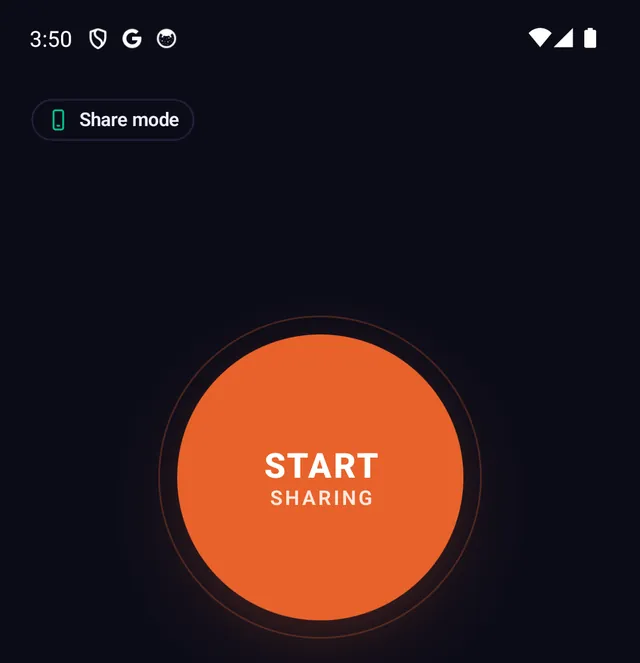
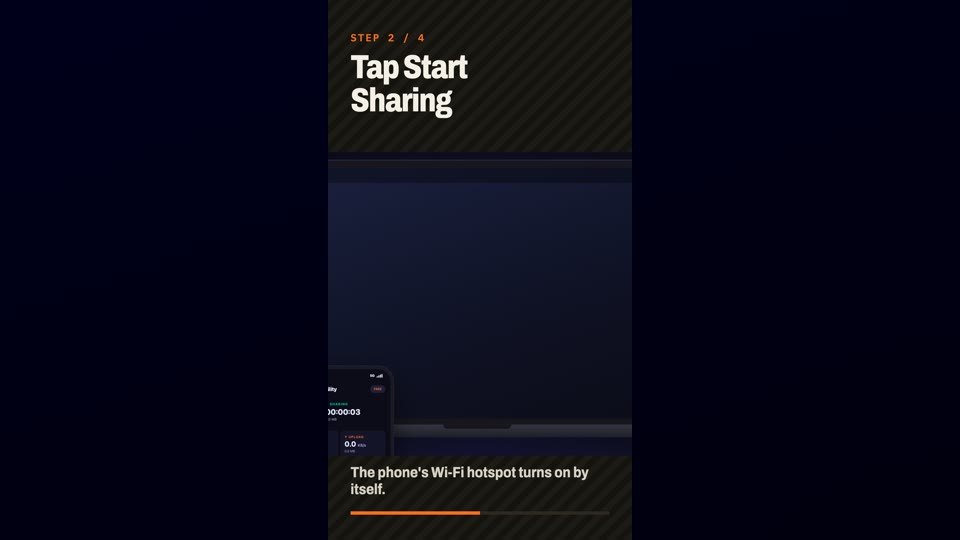
- Install and start sharing Install Tether Link Utility from Google Play on the phone that has the mobile data, open it and tap START SHARING.
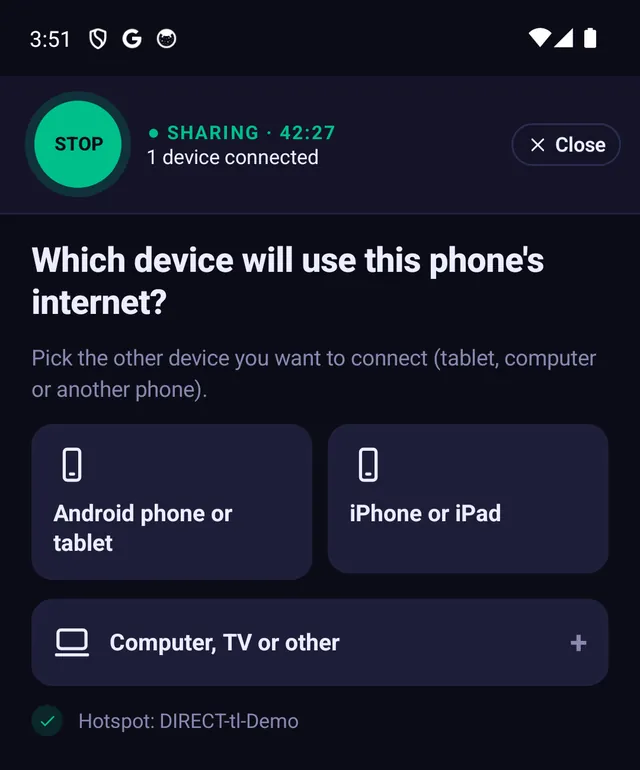
- Join the phone's Wi-Fi On the other device, join the Wi-Fi network shown in the app, with the password shown. It may say "No internet". That is normal at this point.
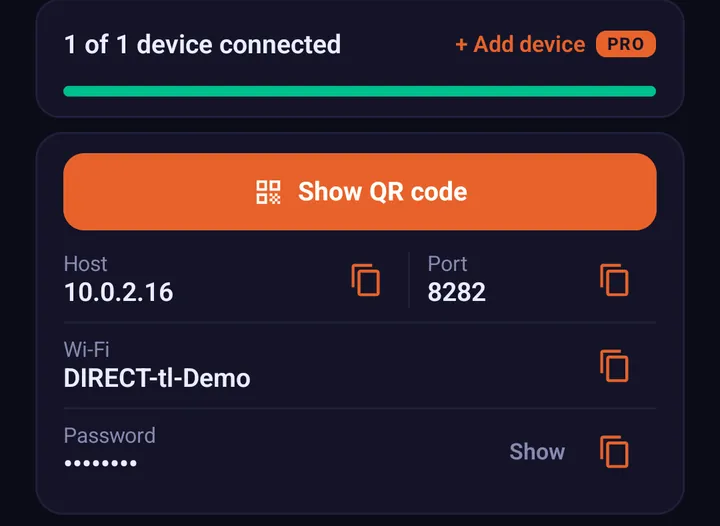
- Enter the two numbers The app shows two numbers, a host and a port. Type them into the other device's proxy settings. The step-by-step guide for each device is here: How to Set Up a SOCKS5 Proxy on Windows, macOS & iOS.
Other options if you would rather stay on your plan's hotspot
- Add hotspot to your plan if your carrier sells it, or move to a plan that includes it.
- Use Wi-Fi at home, work or a cafe for large downloads and updates.
- Wait for the next billing cycle if the allowance simply ran out.
Frequently asked questions
Why did my carrier block my hotspot?
Usually because your plan has no hotspot allowance, the allowance has run out, or the carrier only allows tethering on a higher plan. Your carrier app or account page lists what your plan includes.
Can I still share my phone's data with another device?
You can share through a local SOCKS5 proxy with Tether Link Utility instead of the built-in hotspot. It needs no root. The data still comes from your plan and your carrier's terms still apply, and results can vary by carrier.
Do I need root or a new plan?
No. Tether Link Utility needs no root and no plan change to set up.
Is it free?
Free for 1 device at a time. Pro lets 5 devices share at once and costs $3.99 a month or $19.99 a year.
Is it private or encrypted?
No. It is not a VPN and does not encrypt anything. It only shares your phone's connection with your other device.
Tether Link Utility
Bypass carrier hotspot limits. An app that shares your phone's mobile data with your other devices through a local SOCKS5 proxy. No root. No tether fees. Free for 1 device, Pro for 5 devices ($3.99 a month or $19.99 a year).
See how it works