Hotspot Too Slow for Video Calls? Keep Working on Another Device (2026)
Short answer: after a hotspot allowance runs out, many carriers slow shared data so much that video calls freeze while messages still work. First check whether the phone itself is fast. If it is, sharing your data through a local proxy with Tether Link Utility may get your other device the phone's normal speed. If your carrier slows the whole line, nothing on the phone can fix that. Results vary by carrier.
Why calls break when messages still work
A text chat needs almost no speed. A video call needs a steady connection of a few megabits in both directions, and it falls apart quickly on a very slow one. That is why a slowed hotspot can load a chat app yet turn a call into a frozen picture.
Two quick checks
- Test the phone. Open a speed test in the phone's own browser. A fast result means the phone's connection is fine.
- Test the other device. Run the same test on the device that is connected to the hotspot. If it is far slower than the phone, the slowdown is likely tied to the built-in hotspot.
If both are slow, the line itself is slowed or the signal is weak. Moving near a window or to another room sometimes helps more than any setting.
Share the phone's connection another way
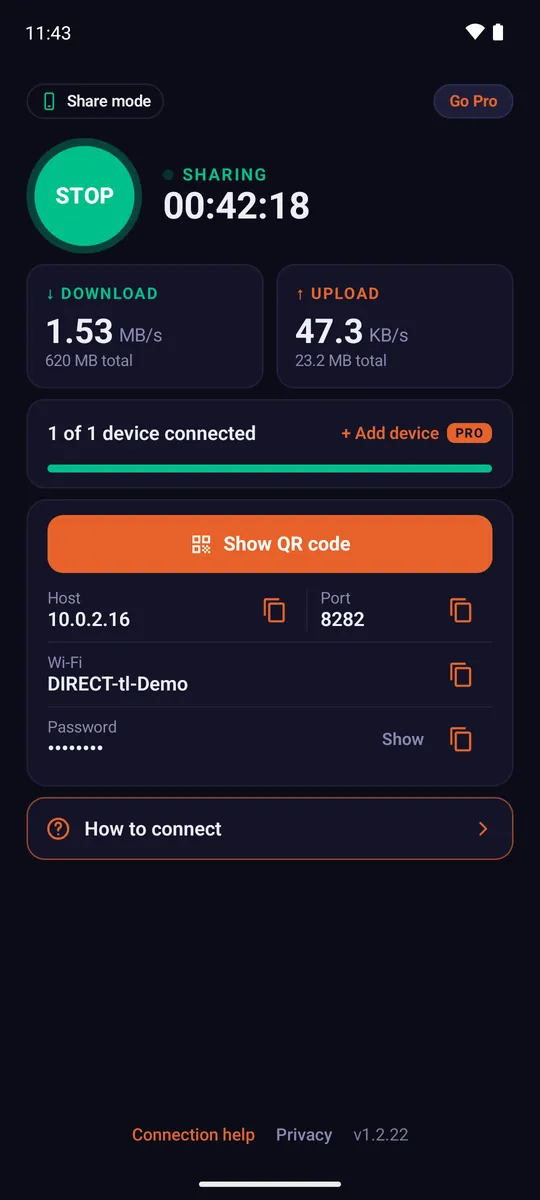
Tether Link Utility gives your other device a Wi-Fi network from your phone and sends its traffic through a local proxy on the phone. It does not use the built-in hotspot feature. When a slowdown applies only to that feature, the other device may get the speed the phone itself gets. When the whole line is slowed, you will see the same slow speed on both.
What this does and does not do. It does not create extra data. Everything the other device uses still comes out of your mobile plan, and your carrier's terms for sharing data still apply. What changes is how the data is shared: through a local proxy on your phone instead of the phone's built-in hotspot feature. Results can vary by carrier and plan.
Set it up in 3 steps
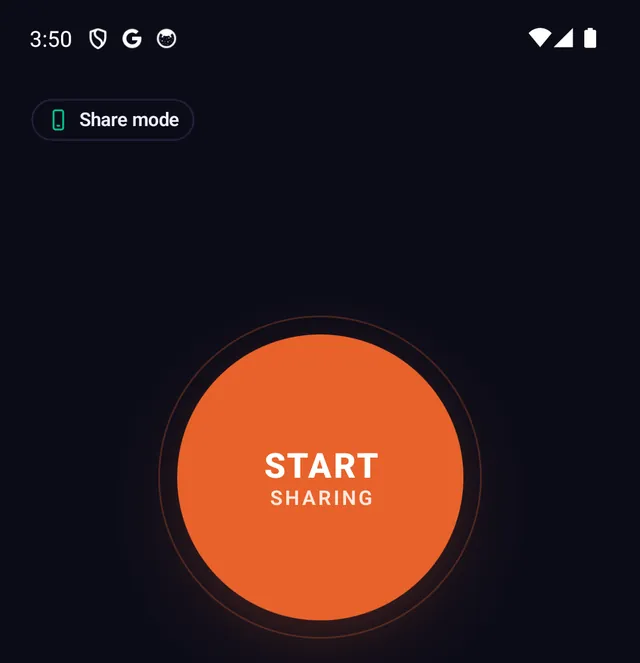
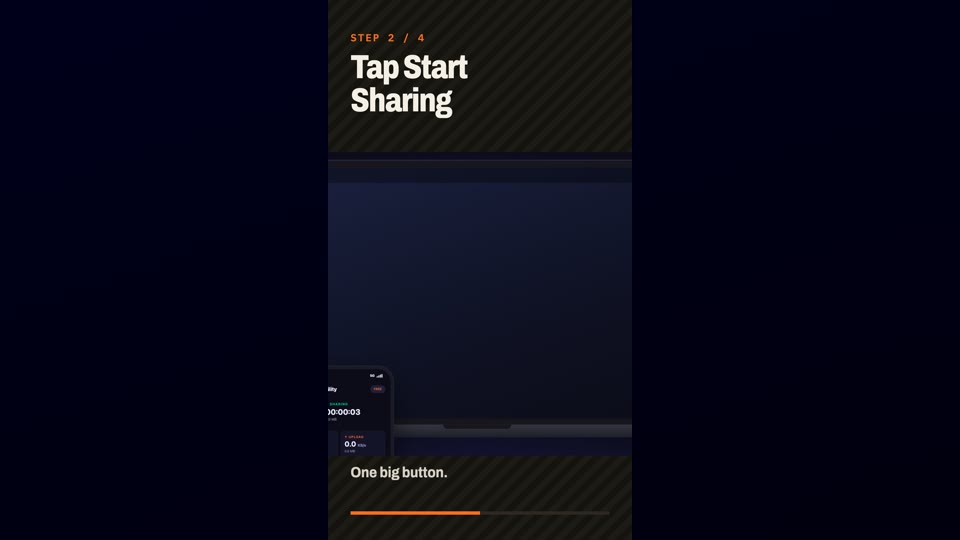
- Install and start sharing Install Tether Link Utility from Google Play on the phone that has the mobile data, open it and tap START SHARING.
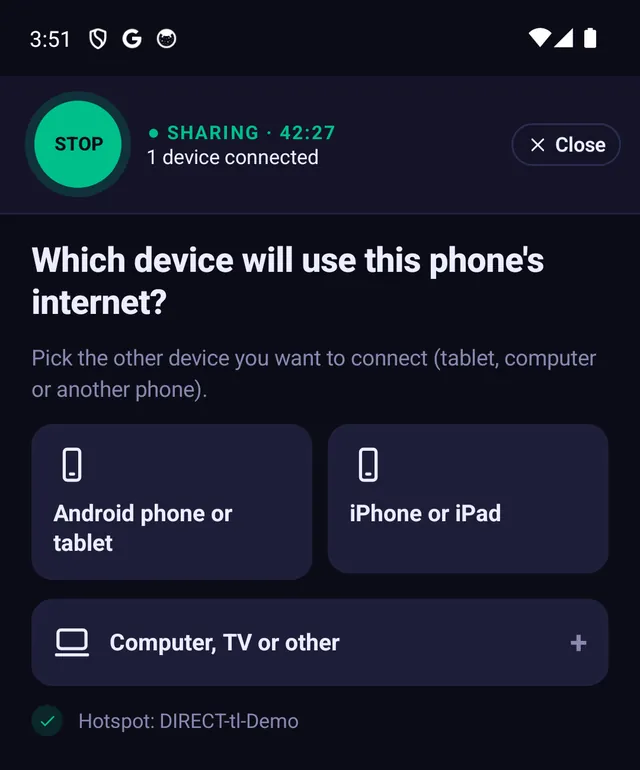
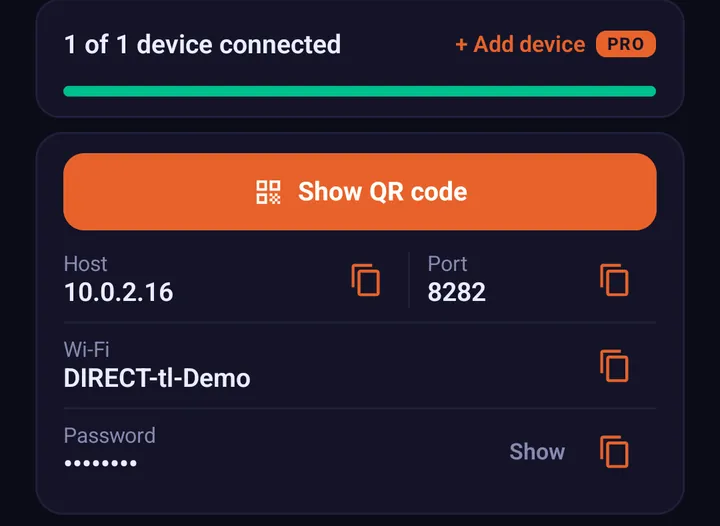
- Join the phone's Wi-Fi On the other device, join the Wi-Fi network shown in the app, with the password shown. It may say "No internet". That is normal at this point.
- Enter the two numbers The app shows two numbers, a host and a port. Type them into the other device's proxy settings. The step-by-step guide for each device is here: How to Set Up a SOCKS5 Proxy on Windows, macOS & iOS.
Small changes that help calls on any connection
- Turn your camera off for the call. Audio alone needs far less speed.
- Close other tabs and downloads on the connected device while you talk.
- Pause cloud backups and updates on both the phone and the other device.
Frequently asked questions
Why is my hotspot so slow for video calls?
Many plans slow hotspot data after a hotspot allowance is used. Video calls need a steady connection of a few megabits, so a very slow hotspot struggles even when messages and email still work.
Will Tether Link Utility make it faster?
Not always. It shares your phone's connection through a local proxy instead of the built-in hotspot. If the slowdown only applies to the built-in hotspot, the other device may get the phone's normal speed. If your carrier slows the whole line, it will not change that. Results vary by carrier and plan.
How do I check if the phone itself is fast?
Run a speed test in the phone's browser. If the phone is fast and the connected device is slow, the slowdown is probably on the hotspot side.
Do I need root?
No. Tether Link Utility needs no root.
Does it work for Zoom or Teams?
It works with any app on a device that sends all its traffic through the proxy, such as a Windows PC or a Mac set up with our setup file or script. Browser-only setups cover only the browser.
Tether Link Utility
Bypass carrier hotspot limits. An app that shares your phone's mobile data with your other devices through a local SOCKS5 proxy. No root. No tether fees. Free for 1 device, Pro for 5 devices ($3.99 a month or $19.99 a year).
See how it works